
Plans, data and account
Download my data
Download everything in your book for your own records. Login codes are never included.
What this page is for
Download your book as files you keep.
Top tasks
- Download everything
- Download the stock list
- Download sales
The page at a glance
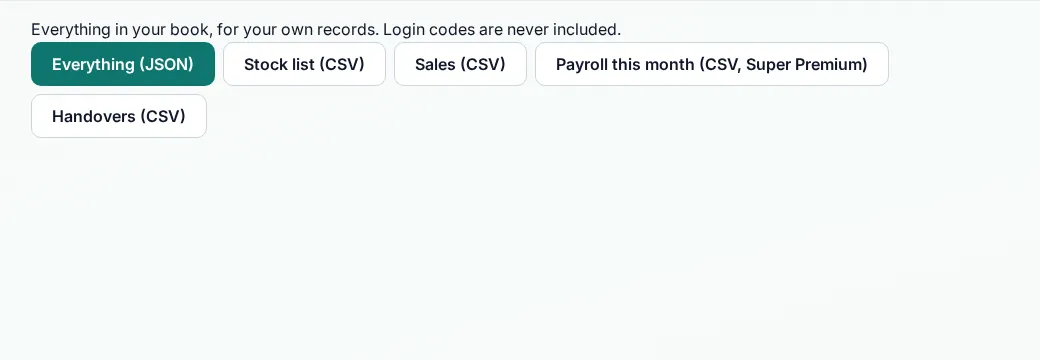
Every button
What each button does, when to use it and what happens next. In the app, tap the question mark next to a button for the short version.
Everything (JSON)
- What it does
- Downloads everything in your book in one file.
- When to use it
- When you want your own copy, for example at month end.
- What happens
- The file downloads to your device. Login codes are never included.
Who can use it: Business owner
Stock list (CSV)
- What it does
- Downloads your stock list as a spreadsheet file.
- When to use it
- When you want your own copy, for example at month end.
- What happens
- The file downloads to your device. Login codes are never included.
Who can use it: Business owner
Sales (CSV)
- What it does
- Downloads your sales as a spreadsheet file.
- When to use it
- When you want your own copy, for example at month end.
- What happens
- The file downloads to your device. Login codes are never included.
Who can use it: Business owner
Payroll this month (CSV)
- What it does
- Downloads this month's payroll. Super Premium only.
- When to use it
- When you want your own copy, for example at month end.
- What happens
- The file downloads to your device. Login codes are never included.
Who can use it: Business owner
Handovers (CSV)
- What it does
- Downloads your handovers as a spreadsheet file.
- When to use it
- When you want your own copy, for example at month end.
- What happens
- The file downloads to your device. Login codes are never included.
Who can use it: Business owner
How to
Download your data
- Open Download my data.
- Pick Everything (JSON), Stock list (CSV), Sales (CSV), Handovers (CSV), or Payroll this month (CSV, Super Premium).
- The file downloads to your device.
Tips
- Download Sales (CSV) at month end and keep it with your records.
Common mistakes
- Looking for login codes in the file. Codes are never included.
Good to know
- Files are made when you download them. MOM does not keep a copy of the download.
- After an account is switched off, the owner can still download for 30 days.
Still need help?
Email support@masteroperationsmanagement.com. For plans and payments, email sales@masteroperationsmanagement.com.
WhatsApp: @master.ops.mgmt (opens WhatsApp)Can’t open? Search @master.ops.mgmt in WhatsApp